|
Article ID: 14
Last updated: 24 Mar, 2026
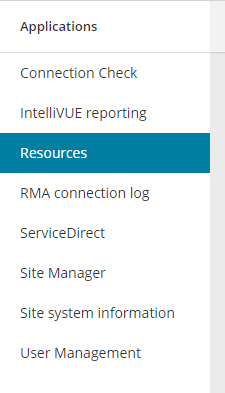
How to Install the VUE Testing System Two documents exist to guide you through the process of installing the Pearson VUE Testing System at your site. The document most often used is the Quick Install Guide which can be found at PearsonHelp.com under Other links on this page. Click the Quick Install Guide link to review or print. It is a very good guide for most technical individuals. We also have a video of the installation process which is under Other Links on the PearsonHelp.com page. Another option to install the VUE Testing System can be found by visiting the VUE Support Services webpage and choosing the Installation guide within the Connect portal under the Resources tab. The guide is very comprehensive in the steps required to complete the installation. Your Pearson VUE username and password are required to gain access to Connect (pearsonvue.com).
Link to VUE technical support phone numbers Return to top of document
This article was:
Helpful |
Not helpful
Report an issue
Article ID: 14
Last updated: 24 Mar, 2026
Revision: 7
Comments: 0
|